MetaEdge Guide · 2026
Laptop and gaming PC in the background: power, heat, and when it is not worth it
A concrete look at running a laptop or gaming PC in the background: electricity, heat, sleep, and when a MetaEdge node is not worth leaving on.
laptop background bandwidth · gaming PC power use · heat and sleep settings · MetaEdge desktop node · when sharing is not worth it
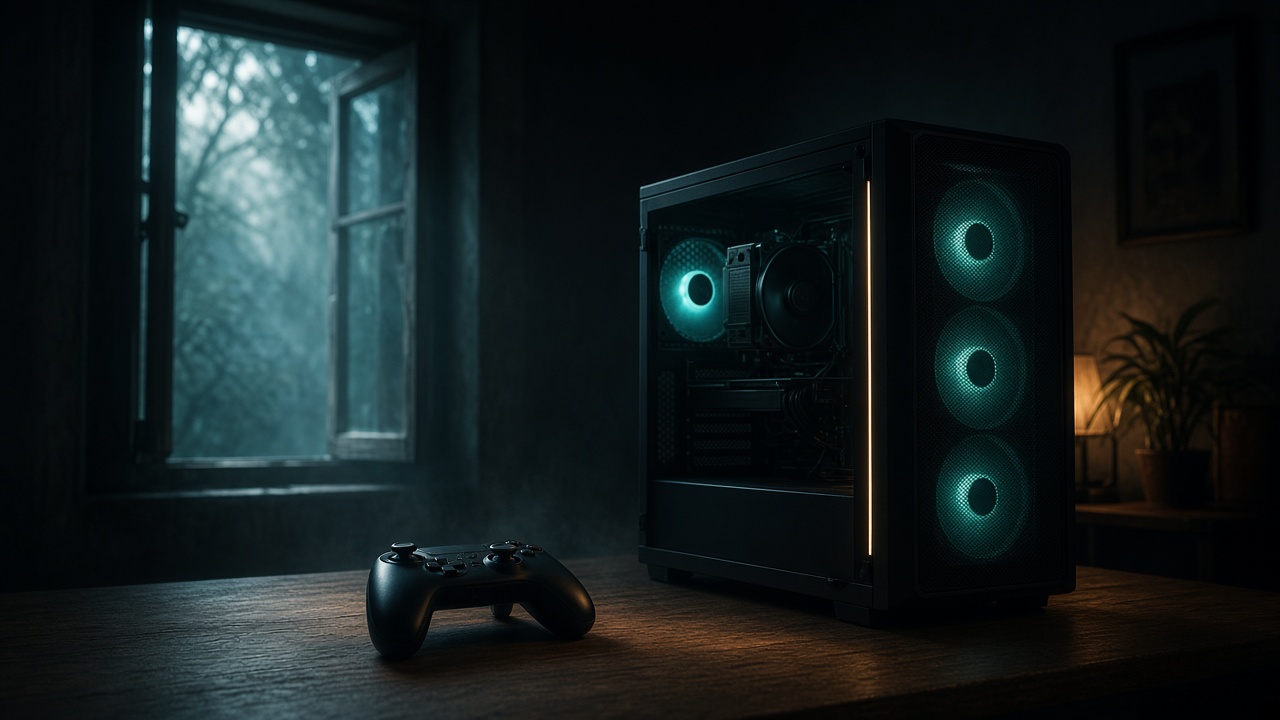
A laptop or a gaming PC can sit in the background while you do something else, but background does not mean free. The machine still draws power, makes heat, and uses upload on a connection you also need for class, calls, and games. This page is for adults 18 to 30 who already own one of those computers. It explains when a modest background task can fit and when it is not worth it. Rewards from bandwidth sharing are variable and not guaranteed. This is not financial advice.
MetaEdge documents a desktop node and a browser extension. The NEST participation layer is planned for 2026. A phone is not described here as a node, even if it hotspots the computer. Confirm the current device list and your carrier or broadband terms before you install. Do not leave a high-power gaming PC on in the hope of a payout. The electricity is a real cost. The credit is not a promise. Read the device list before you install. Support is specific.
Background still uses power and the line
Background software is still software. A desktop node, if your system is on the current MetaEdge list, keeps a process awake and moves traffic when there is demand. A browser extension generally does that only while the browser stays open. Neither one is a setting you can forget on a machine that sleeps, overheats, or shares a small room. The useful question is not whether the icon can sit in a tray. It is whether the computer was going to be on anyway, and whether the people who use the line still get a responsive connection.
Power is the first bill you can measure. A thin laptop on a desk may draw a few tens of watts while awake and much less when it sleeps. A gaming tower with a hungry graphics card can draw far more even when the game is closed, because the rest of the system stays up. Read the figure at the wall if you can, not the slogan on the box. Multiply watts by hours and by your local price only as a personal check. Do not treat that sum as a profit forecast. Any reward is variable and may be zero.
The line is the second limit. Upload on a student flat or a 4G backup is often the scarce part. Background traffic that fills it will make Discord, a seminar, and a match feel worse before you notice a reward screen. Cap the rate if the product allows it. Pause it when you need the computer for its real job. If the only way the background task looks attractive is a bigger broadband plan, do not buy one. Keep the plan that already fits your own use.
Laptop heat, battery, and the lid
A laptop is often the better trial machine because you already use it for essays, lectures, and a launcher. It is still a bad always-on heater. Soft bedding blocks vents. A closed lid in a bag is a sleep event, and that is usually correct: you do not want a node running in a backpack. If you change sleep so the machine never rests while plugged in, you accept more heat, more fan noise, and a higher electricity draw. Do that only if you understand the trade and can still pause the software.
Battery wear is a separate cost from the wall socket. Staying at full charge for days can age some packs faster. Use a charge-limit mode if the maker provides one, and do not defeat thermal protection to stay online. A warm palm rest during class is a signal to stop, not a badge. The browser extension stops being useful when you close the browser for an exam or a game. That is fine. Participation is optional. A laptop's first job is the work and play you opened it for.
Confirm support before you install either documented option. MetaEdge's desktop node and browser extension are not a promise for every chip, every Linux install, or every browser build. If your model is absent from the current docs, do not sideload a workaround. A phone hotspot can feed the laptop for a short study hour if the carrier allows tethering. It does not make the phone a node, and it is a poor way to keep a laptop awake all night. Heat in a pocket plus a warm laptop is two problems, not a setup.
A gaming PC is a poor always-on choice
A gaming PC is built to push frames, not to sit as a network appliance. The graphics card, a high-wattage supply, and aggressive fans exist for play. Bandwidth sharing does not need that hardware. A strong GPU does not create more demand for your connection and does not make a reward more likely. Demand depends on place, time, and whether anyone wants that route. Leaving the tower on after you quit the game, only so a node stays eligible, spends electricity you can measure for a credit you cannot book.
Heat in a bedroom or a small student room is not abstract. Fans ramp, dust collects, and the room gets warmer in summer. That can disturb sleep and the person who shares the space. Give the case air, keep vents clear, and do not put the tower in a closed cabinet to hide noise. If the only quiet option is to sleep the machine, sleep it. Do not disable fan curves. A thermal throttle or a shutdown is the machine protecting itself. It is not a setting to beat so a background task can continue.
During a match, background upload is the wrong roommate. Competitive games care about ping, jitter, and packet loss. A speed test that still looks fine can hide a ruined round. Pause the node or the extension before you queue. Let game updates finish on their own schedule instead of stacking them with extra traffic. If you stream, that upload is already yours. Do not add another sender. The hours the PC is on for a patch or a session are the only hours worth considering, and even those can be a no.
When it is not worth leaving either machine on
It is not worth it when the computer would otherwise be asleep. Waking a gaming PC solely for a variable credit is the case this page tells you to skip. The same applies to a laptop you would normally close. It is not worth it on a metered 4G or 5G plan, or on a hotspot that can throttle, without a clear yes from the carrier and from MetaEdge's device list. It is not worth it on campus Wi-Fi, a landlord's router you do not control, or a family plan whose payer has said no. It is not worth it if you are under 18.
It is not worth it when heat, fan noise, or a worse connection shows up in the first evening. Your notes beat a screenshot from someone in another city. It is not worth it when the software has no pause, no cap, or no clear publisher. MetaEdge's documented path is a desktop node or a browser extension from official sources. Anything that arrives in a direct message, or that asks you to turn security tools off, is a stop. A promised daily amount is also a stop. Rewards are not guaranteed.
It is not worth it when you would need a bigger plan or a new power supply to make the idea feel sensible. Do not buy either. Do not leave a high-power PC on for profit. If a page, a friend, or a calculator tells you the tower pays for itself, treat that as a story, not a bill. This article is not financial advice. The honest outcome of a week can be a few credits, none, or a flatmate asking why the router feels busy. Only the third of those is guaranteed to be noticeable if you ignore the line.
What should stay in the foreground
Keep the foreground for the reasons you own the machine. Lectures, a deadline, a ranked session, a call home, and a download you actually want come first. Background network use is allowed to exist only in the gaps, and only on a connection you control. Write those gaps down: an afternoon when the flat is empty, a stretch when you are already downloading a game you will play later. Do not invent a 24-hour gap. A machine that is online all night is a choice about sleep, noise, and money, not a requirement of any serious service.
Use one documented method at a time. If the current MetaEdge docs support your desktop node, do not also run an extension until you know which one moved the ping. If only the extension is supported on your browser, close it when you close the work. Official installer, updated system, unique password. Tell the other people on the connection what you are trying and for how long. If they need the line for work or play, their no ends the test. A background task that needs secrecy in a shared flat is the wrong task.
The NEST, planned for 2026, does not change the physics of a laptop fan or a gaming PC plug. A participation layer still needs a supported computer, a permitted connection, and spare capacity that does not saturate upload. Phones remain something you confirm, not something you assume. If the docs do not list a handset, a handheld, or a console, they are out. Your gaming PC can stay a gaming PC. That is a successful outcome, not a missed one.
A short decision you can keep
Decide with a plug-in meter or the laptop's own power estimate, a ping check, and the contract, not with a reward teaser. Run the supported software for a defined window on a machine that was already going to be awake. Compare ten minutes of a call or a casual game with it on and with it off. If stutter or heat shows up, stop. If the room, the bill, and the line stay boring in a good way, you can keep a small schedule. Boring is the target. A setup you notice every evening is not a background setup.
Recheck when the season changes. Summer heat, a new flatmate, a game that cares more about ping, or a carrier notice all reset the decision. Software updates can change what the node or the extension does. Read them. Pause or remove the software from the official controls if the terms, the device list, or your household no longer fit. You do not owe a service continuous uptime. Eligibility language is not an order to leave hardware on. Uptime is not a duty.
The boundary is simple. A laptop already open for your own work can host a documented, capped, pausable task if support and the contract say yes. A gaming PC should not be kept awake for that task. A phone should not be assumed to be a node. A bigger plan should not be bought to feed either machine. Rewards stay variable. You are doing this only if you are 18 or over and the connection is yours to use. If any of those sentences fails, close the lid or shut the tower down.
Article FAQs
Should I leave my gaming PC on so a node keeps running?+
No. A high-power PC can cost real electricity and add heat for a reward that is variable and not guaranteed. Do not leave it on for profit. Use it while you already needed it on, or leave it asleep.
Is a laptop safer to leave awake than a tower?+
It usually draws less power, but it still makes heat, can wear a battery, and sleeps when the lid closes. Do not block vents or disable thermal limits. A laptop in a bag should sleep. Confirm MetaEdge supports that model before you install.
Will background sharing hurt my ping?+
It can, especially on upload. Pause it for competitive games, calls, and large updates. Test ten minutes on and ten minutes off. If you feel it, the schedule is too wide.
Can my phone run the same background node?+
Do not assume so. MetaEdge documents a desktop node and a browser extension. The NEST is planned for 2026. A hotspot is not phone support. Confirm the current device list and your carrier before any tethered setup.
Does a bigger power supply or a bigger internet plan help?+
No. Do not buy hardware or a larger plan to chase a variable credit. This page is not financial advice. If the computer and connection you already have are a poor fit, skip the background task.