MetaEdge Guide · 2026
Leaving a PC on: fans, battery, and the electricity bill
What it actually costs to leave a laptop or gaming PC on: fans, battery wear, heat, and why a reward does not justify the bill.
leaving a PC on · gaming PC electricity · laptop battery wear · fans and heat · MetaEdge background node
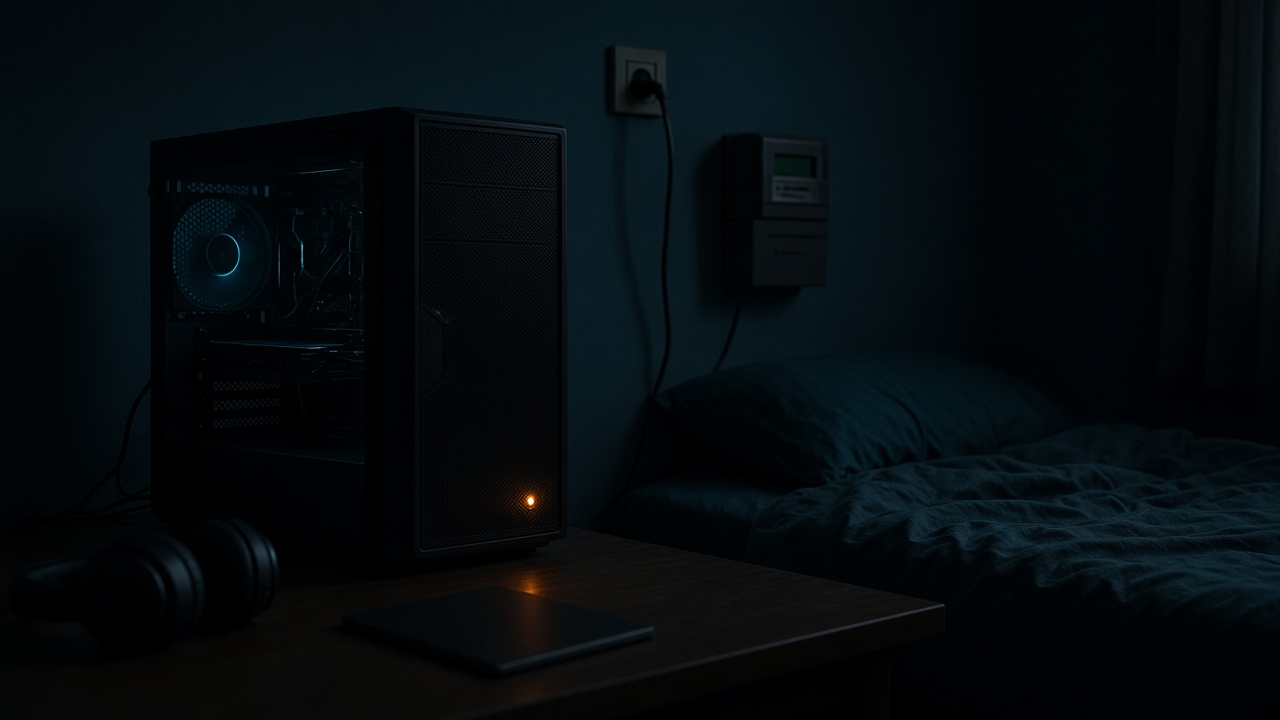
Leaving a PC on is a decision about electricity, heat, and noise, not a setting you flip for a payout. A laptop on a desk and a gaming tower in a bedroom do not cost the same to stay awake. Fans spin, dust settles, batteries can age, and the bill arrives whether or not any credit does. This page is for adults 18 to 30 who already own the machine. Rewards from bandwidth sharing are variable and not guaranteed. This is not financial advice.
MetaEdge documents a desktop node and a browser extension. The NEST is planned for 2026. Neither one requires you to leave a high-power PC on. Do not do that for profit. Confirm the current device list before you install anything, and confirm that a phone is not assumed to be a node. If the only way a setup looks interesting is a machine that never sleeps, the setup is the thing to skip. Read the list first. Support is specific.
What leave it on actually costs
Awake is not idle in the electrical sense. A thin laptop may draw a few tens of watts while the screen is on and less when it is plugged in with the lid policy set to sleep. A gaming PC can draw far more even with the game closed, because the processor, drives, and a high idle on the graphics card stay powered. Read watts at the wall if you have a plug meter. Multiply by hours and by your local price only as a personal check. Do not turn that product into a forecast of profit. Any credit can be zero.
The bill is local and monthly. A reward, if a service pays one, depends on demand, location, and capacity, and it is not guaranteed. Those two facts do not balance on a spreadsheet you found online. A student room and a shared flat also split the bill in ways a calculator ignores. If someone else pays the electricity, they get a vote. Leaving a tower on so a node stays eligible spends their money. Ask first. A no is a complete answer.
Sleep is the cheap state. Modern systems wake for updates on a schedule and go back down. Forcing a machine to stay up all night so background software might receive traffic fights that design. MetaEdge's desktop node, on a supported computer, can run while you are already using the machine. It does not create a duty to cancel sleep. A browser extension generally stops when the browser stops. That limit is useful. It keeps the experiment inside hours you can see.
Fans, dust, and heat in a small room
Fans are the sound of the machine protecting itself. A gaming PC in a small bedroom will ramp them when the room is warm or the case is boxed in. Dust on the intake makes the same fans work harder next month. Give the tower air on every side the manual asks for. Do not put it in a closed cabinet to hide the noise, and do not set a custom fan curve to zero so a node is quieter. A thermal limit or an emergency shutdown is the hardware doing its job. Do not disable it to stay online.
Heat is also a housemate problem. A warm room is harder to sleep in, and a second person in a student flat notices before you do. Summer makes a 24-hour habit worse than winter. If the only comfortable option is to sleep the PC, sleep it. A laptop on a bed is a separate hazard: the vents face fabric, the chassis heats, and a closed lid in that state is worse. Hard desk, clear vents, lid policy that sleeps in a bag. Those are the non-negotiable parts.
Noise at 2 a.m. is data. If you wake up because the fans changed pitch, the machine should not have been in that state. Pause or quit the background task and let the system sleep. A bandwidth experiment that costs a night of sleep has already failed, whatever a reward screen might say later. This page will not tell you to leave a high-power PC on for profit. The fans are telling you the same thing in a language that does not depend on demand in your city.
Laptop battery versus a plugged-in desktop
A laptop battery is a wear item. Sitting at 100 percent for days can age some packs faster than a normal cycle of use. If the maker offers a charge limit while plugged in, use it. Do not defeat battery care, thermal protection, or sleep to remain eligible for a variable credit. When you close the lid to leave for class, the machine should sleep. A node or an extension that only works if the laptop stays awake in a backpack is the wrong shape of software. Take the bag. Let it sleep.
A desktop has no battery to save and a larger plug instead. That is not an advantage for always-on use. It means the electricity meter is the whole story, plus heat. A modest office PC and a gaming tower are not the same meter. The graphics card that wins frames does not win demand for spare bandwidth. If you are not playing and not patching, the tower's job is finished. Shut it down or let the operating system sleep. You can install a documented node later, during hours the PC was going to be on for you.
Phones are not the third option that makes this section easier. MetaEdge does not document a mobile app here. A hotspot that keeps a laptop awake all night stacks battery wear on the phone with heat on both devices, and it burns a mobile plan that may be metered. Confirm the carrier and the device list before any tether. If either is no, the laptop sleeps and the phone stays a phone. The NEST, planned for 2026, does not change the chemistry of a battery or the wattage of a gaming supply.
Hours matter more than a 24-hour habit
Write the hours the PC is already on for a real reason: a lecture, a patch, a match, a call. Those hours are the only ones where extra network use might be a small addition instead of a new cost. A quiet afternoon in an empty flat is not the same as overnight. Location matters with the clock. A machine in a hot top-floor room at 3 a.m. is a worse idea than the same machine at 4 p.m. beside an open window. Do not invent a schedule of twenty-four hours because a forum said uptime is everything.
Uptime is not a wage. A service can prefer machines that are reachable, and that still does not obligate you to be reachable. Pause for competitive games, for someone else's video call, and for any hour the room needs to be quiet. If the software has no pause, do not install it. MetaEdge's documented path should be controllable. If you cannot find the control before you look at a credit, you are not ready. Eligibility language is not an order to leave hardware on.
Shared connections make hours a household rule. Extra upload stops when someone has a deadline or a match. A PC left on in your room still uses the flat's line. Tell the people who pay for that line. Campus networks and a landlord's Wi-Fi are not yours to keep a machine attached to overnight. Age is a hard stop under 18. None of these rules become softer because the plan says unlimited or because a few gigabytes are left on a SIM.
The bill is local and the reward is not promised
Put the electricity on one side and any credit on the other only after you have measured. A week of notes beats a calculator: watts or a reasonable estimate, hours actually awake beyond your normal use, and the credit shown, which may be nothing. If the extra hours cost more annoyance than the credit is worth to you, stop. You do not need a precise break-even to make that call. You need to notice the fans and the bill. This article is not financial advice, and it will not tell you the tower pays for itself.
Do not buy a bigger power supply, a bigger plan, or a second PC to make the hours look productive. Those are new costs. Rewards stay variable. They depend on demand and place, which you do not control by leaving a machine on. A city-centre connection and a rural one are not the same, and neither publishes a wage. Someone else's screenshot is not your meter. If a page says to leave a high-power gaming PC on for profit, close it. That advice fails here on purpose.
A supported laptop that is already open for your work can host a capped, pausable desktop node or browser extension if the contract allows it. That is a different sentence from keep the gaming PC awake. The first can be a small test. The second spends electricity you can point at. When the test window ends, sleep or shut down. Recheck in summer, after a new flatmate, or when a game starts to care more about ping. The decision is allowed to become no.
A shutdown rule you can keep
Use one sentence you can remember. If you are not using the PC, it sleeps, unless you are in a short, agreed window on a supported machine, on a connection you may use, with a pause and a cap. When the window ends, it sleeps again. The sentence covers fans, battery, and the bill without a spreadsheet. It also covers the case where demand is zero: you still shut down. A node that might be eligible is not a reason to hear fans at 2 a.m. Boring and off is a successful night.
Before any window, confirm two documents. MetaEdge's current list must name the system for the desktop node or the browser for the extension. The electricity payer and the broadband payer must have said yes if they are not you. Official installer only. No sideloaded phone companion. No advice from a chat to disable sleep. If a check fails, the sentence collapses to the first half: if you are not using the PC, it sleeps. That is the whole rule on a bad day, and it is enough.
You are 18 or over, or you do not do this. Rewards are not rent and not a reason to change the rule. The NEST remains planned for 2026. A phone remains something you confirm, not something you leave tethered under a pillow. A gaming PC remains a gaming PC: on for the match, off or asleep after. Leaving it on is allowed only when you already needed it on. The electricity bill does not care about a participation layer. Your shutdown rule should not either.
Article FAQs
Should I leave my gaming PC on so a node stays online?+
No. A high-power PC adds real electricity and heat for a reward that is variable and not guaranteed. Do not leave it on for profit. Use it while you already needed it, then let it sleep.
Will sleep settings stop a laptop node?+
Often yes, and that is usually what you want in a bag or overnight. Do not disable sleep, vents, or battery care to stay eligible. A browser extension also stops when the browser closes. Confirm MetaEdge supports the machine before you install.
How do I judge the electricity bill?+
Measure watts if you can, note extra hours, and compare with any credit after a week. The credit can be zero. This page is not financial advice. If the fans or the bill bother you, stop. Do not buy a bigger supply to chase it.
Does a phone avoid the PC power problem?+
Do not assume the phone can run the node. MetaEdge documents a desktop node and a browser extension. The NEST is planned for 2026. An all-night hotspot wears the phone battery and can burn a metered plan. Confirm carrier and device support.
Is 24-hour uptime required?+
No. Hours you are already using the computer matter more than a habit of never sleeping it. Pause for games, calls, and quiet nights. If the software cannot pause, do not install it.